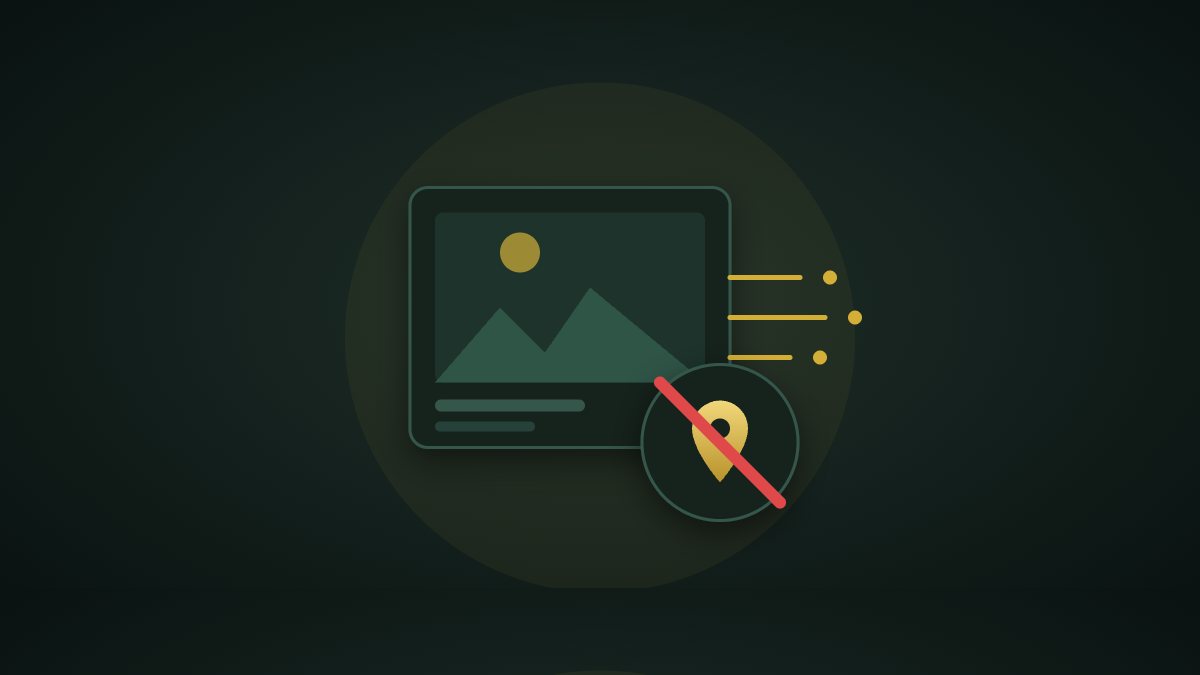
Most creators who want privacy think about their face. In practice, anonymity usually breaks at the details: a hidden location in a file, a street name outside a window, a parcel label on a shelf.
Prefer to grow with a team behind you? Apply free – takes 2 minutes →
My thesis: a photo is more than the picture. Check what travels with it and what sits behind you, before every upload.
The hidden data in your files
Exif is the metadata standard used by most cameras and phones. According to Wikipedia's Exif article (accessed 18 November 2026), a photo taken with a GPS-enabled camera can reveal the exact location and time it was taken and the unique ID number of the device. This happens by default, often without the user knowing. Some services remove this data automatically; others do not.
Two documented cases show how it goes wrong. In 2012 a geotagged photo published with an interview led to the arrest of John McAfee in Guatemala two days later. In 2003, cropped photos of a TV host contained hidden thumbnails of the uncropped originals, because the editing program had kept them.
My view: I could not verify what OnlyFans, social networks or messengers do with your metadata, so do not rely on any platform to clean your files for you. Do it yourself.
What to do
- Switch off location tagging for your camera app in the phone settings before you shoot.
- Strip the metadata with a metadata removal tool before you share; Wikipedia names this as the fix. Then open the final file in a metadata viewer and check that location, device and time data are gone.
- Check the edited file, not the original. The 2003 case shows that cropping can leave a thumbnail of the original behind.
- Keep originals private: no shared family cloud albums, no raw files sent by email or chat.
What is visible in the picture
Metadata is the part nobody sees. The rest is visible:
- windows with a street, a landmark or a neighbouring building
- parcels, letters, bills, a door number, a number plate
- mirrors, glasses, screens and shiny surfaces that reflect the room, you or the camera
- distinctive furniture, posters or tattoos that you also show on your everyday social accounts
- your voice, a regional dialect or background noise in videos
The practical fix: a plain backdrop, a staged corner rather than your real living room, and a pause-and-scrub through your own video before posting. For the bigger picture, read OnlyFans without showing your face.
A one-minute check before every upload
- Location tagging off? Metadata stripped and checked?
- Pause the video on five frames: windows, mirrors, papers, screens?
- Anything that also appears in your private life online?
- Is the original out of every shared album?
What I can't tell you
This reduces risk, it does not remove it. Content cannot be fully taken back once it is out; see what to do if your content leaks, and for harassment what to do about abusive fans. I also do not know which tool suits your device. Pick a well-known one and test it on a dummy photo first.
Where Pony fits
Pony Agency manages OnlyFans, Fansly and MYM for adult creators, with a personal manager, fan messaging, content and pricing strategy, posting-time analysis, promotion and privacy support including DMCA takedowns.
For full management, the split is 60% to Pony Agency and 40% to the creator, calculated on net revenue after platform fees and any chargebacks or reversals. The agreement is non-exclusive and either side can end it with 30 days' notice. Your content stays yours, and accounts you already have stay yours.
If you would like a team behind your account from the start, apply for a fit review. An application starts a conversation, and you decide whether it goes further.
This post is general information, not legal advice.
Sources
Accessed 2026-11-18.